
Just a sec, we're establishing a
secure connection.

Let's set up your card machine!
We just need a few details to get you set up to accept payments.
Check your email to get started, visit dashboard.ikhokha.com or simply scan the QR code and log in to complete your info.
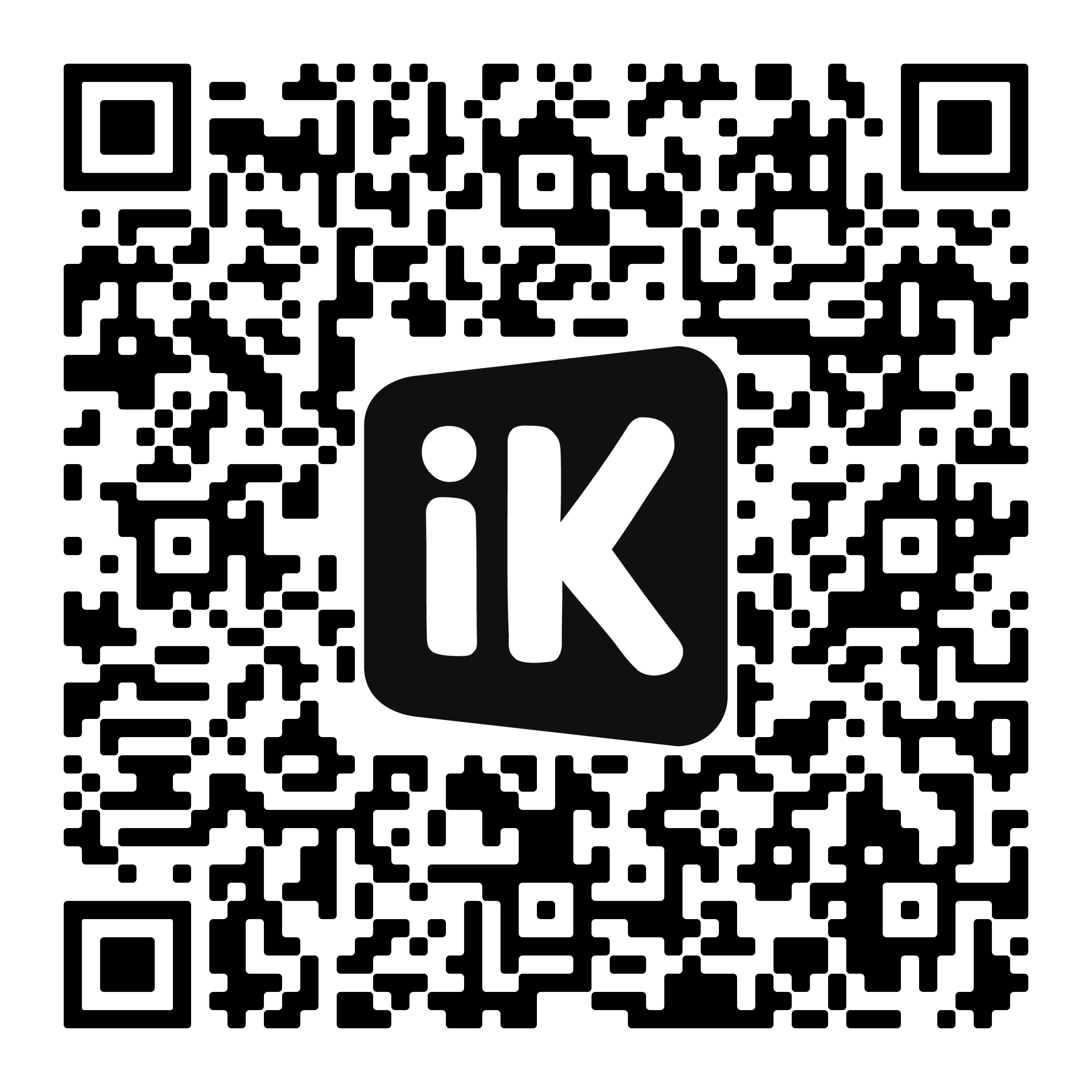
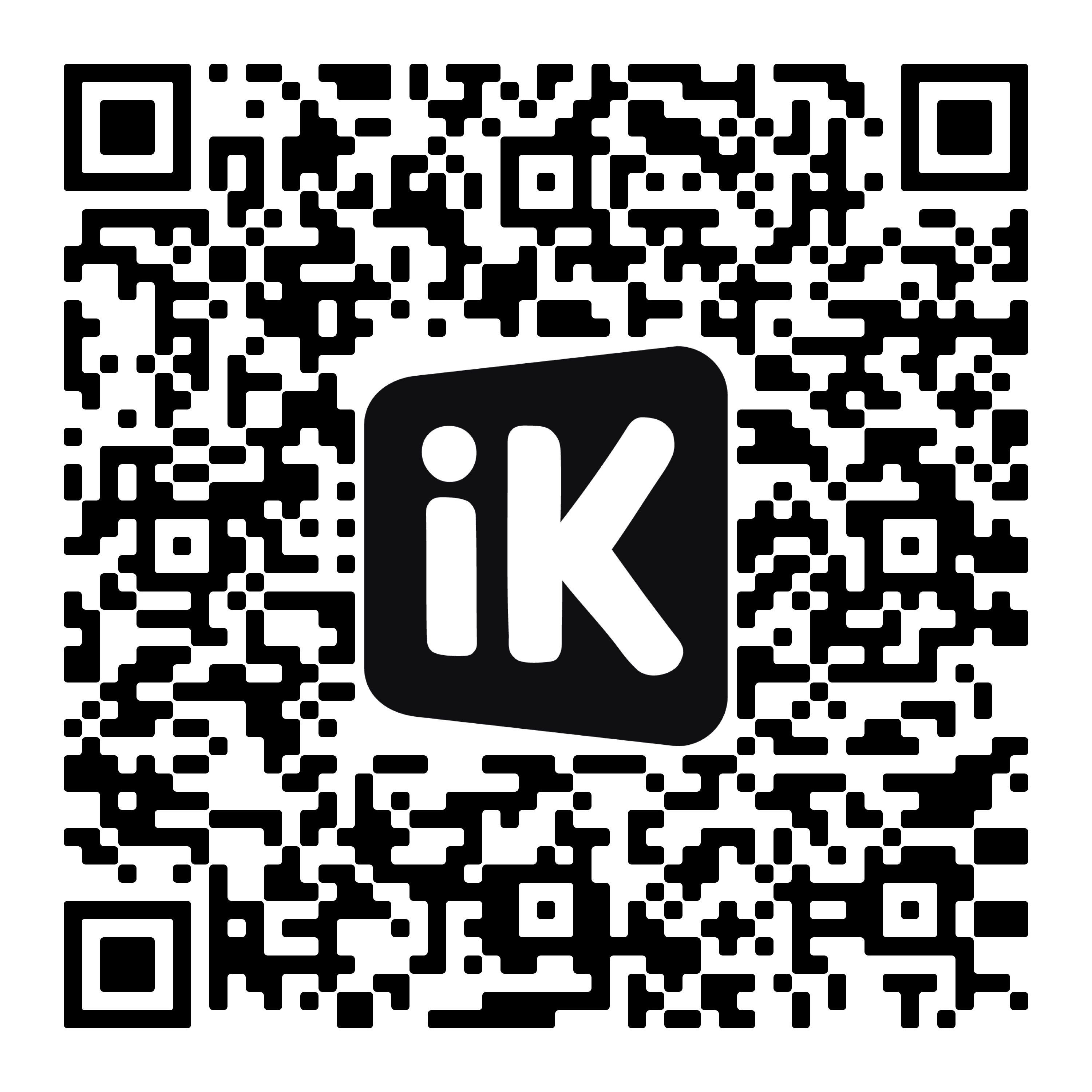
Once you’re approved, come back to your card machine and tap “Done”.
Update required to continue!
Please update your browser.
Your browser is out of date and needs to be updated before you can continue.
Once you've updated it, let us know by tapping "I've updated my browser".
If you are unable to update your browser please visit dashboard.ikhokha.com on a different browser or device.
Not sure how to do this? Get in touch – we're here to help.
Give us a call on 087 222 7000 or email onboarding@ikhokha.com between 08:00 and 17:00 any day of the week.
Update required to continue!
Your phone's browser is out of date and needs to be updated before you can continue.
When you're done, please close and reopen the iKhokha app.
Feeling stuck? Get in touch – we're here to help.
Give us a call on 087 222 7000 or email onboarding@ikhokha.com between 08:00 and 17:00 any day of the week.
